
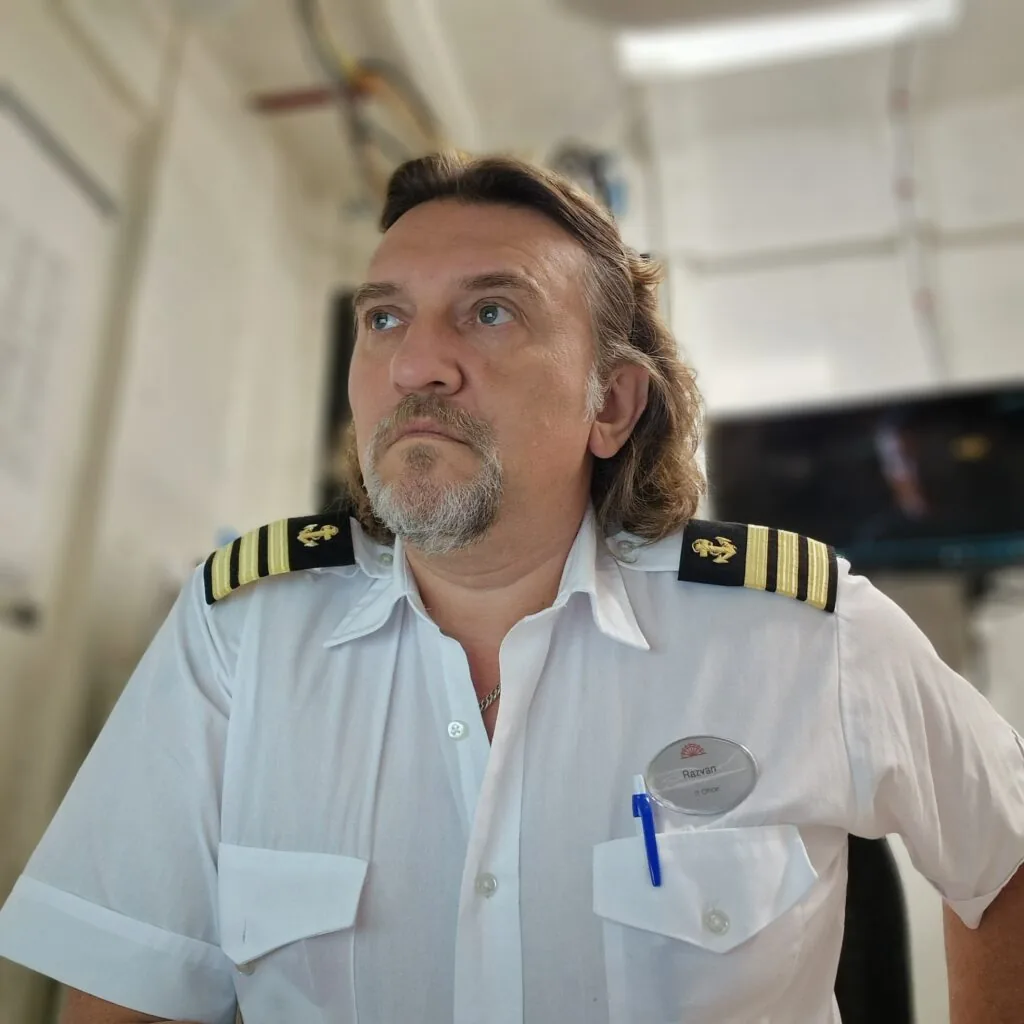
Hi, I’m Razvan.
I’m the IT Officer on an expedition cruise ship. The job covers the network and servers, the satellite links, the TV system and a long list of small things that people only notice when they stop working.
The software on this site started as tools I wrote for my own work. Something would go wrong on board, I would fix it by hand, and the next time it happened I wanted a quicker way. A few of those tools grew into something I thought other ships might find useful too.
How each one started
AntennaPilot
The TV antenna on a ship loses the satellite more often than most people think: behind a crane in port, under a bridge, or far south, where the satellite sits low on the horizon. Sometimes it finds its way back. Sometimes it locks on the wrong satellite and stays there. After re-pointing it by hand one time too many, I wrote a program that watches the antenna control unit and puts the antenna back where it should be. About AntennaPilot
RoutePilot
Before a passage, the officers want to know what the weather will be at each waypoint when the ship gets there, not what it is today. RoutePilot began as a way to see that on one screen. It later learned to read and write ECDIS routes, follow the live NMEA position and print the passage report. About RoutePilot
Wakeline
Guests ask where we are many times a day. The engine room wants to know the same thing, and every PC on board should show the right time, internet or not. Wakeline takes the data the bridge already has and puts it on every screen, cabin TVs included. It runs on the ship I work on. About Wakeline
Device Manager for SonicWall
Every embarkation brings new devices to register on the firewall: contractors, film crews and new crew members, each with a laptop and a phone or two. Creating the MAC Address Objects one by one, keeping the names readable and finding them again when people leave took far longer than it should. Device Manager does the job from the office PC or from a phone, and shows which devices are due for removal. About Device Manager for SonicWall
BackupPilot for Synology NAS
The NAS on board collects the backups of the whole network, and every backup job reports in its own way: one sends an email, one writes a log that nobody opens, one stays silent. A green tick from a job does not tell you whether a usable backup is actually on the NAS. I wanted one screen that answers that question every few minutes, and an alarm when the answer is no. BackupPilot watches the NAS strictly read-only and compares every new backup with the ones before it. About BackupPilot for Synology NAS
EightBells Fleet Time Manager
The ship changes its clocks every day or two, and every PC on board has to follow. Some did, some ran on a manual clock, and one jumped an hour by itself because of daylight saving. Walking from PC to PC to fix the time, and to remove software that should not be there, took a whole morning. EightBells started as a small timezone script and grew into one console for the whole ship domain: time, software and remote control, with an Undo for every change it can reverse. About EightBells Fleet Time Manager
How I work
Everything is used on board before I offer it to anyone else. That does not make it perfect, but it means the software has already met real weather, slow satellite links and busy people with better things to do than read a manual. If something does not work for you, I would like to know. Most of the improvements so far started with a message like that.
I answer every message myself. When I’m at sea, a reply may take a day or two.
Where the code is written
Mostly between shifts, somewhere between Antarctica, Svalbard and the tropics.
The legal part
AntennaPilot, RoutePilot, Device Manager for SonicWall, Wakeline, BackupPilot and EightBells are my own work. AntennaPilot (No. 1224) and RoutePilot (No. 1225) have been registered with ORDA, the Romanian Copyright Office, since 20 March 2026. Registration certificates for Device Manager for SonicWall, Wakeline, BackupPilot and EightBells are currently pending. All rights reserved.
Questions, ideas, or want to try one of the tools? Get in touch.